
Meme Generator
Create and download custom memes instantly. Upload your own image or choose from popular templates. Add text, customize fonts, and export for free with zero watermarks.
Meme Controls

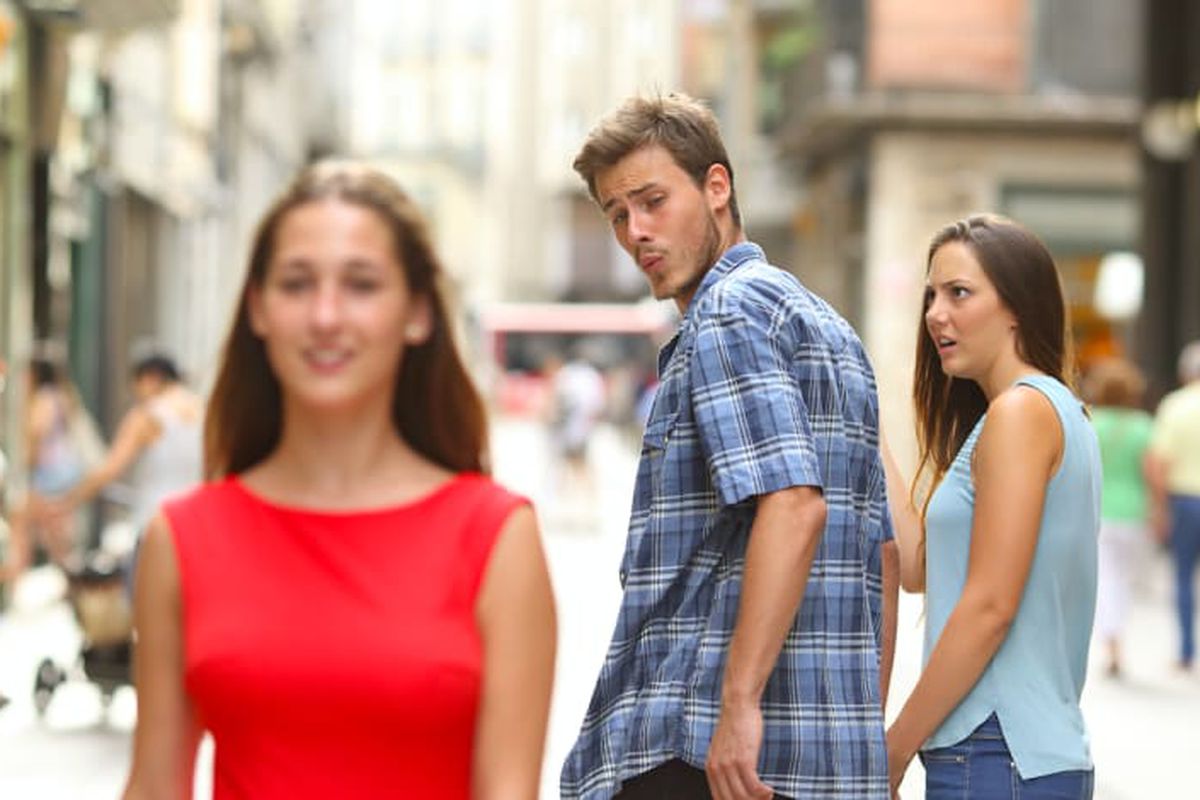
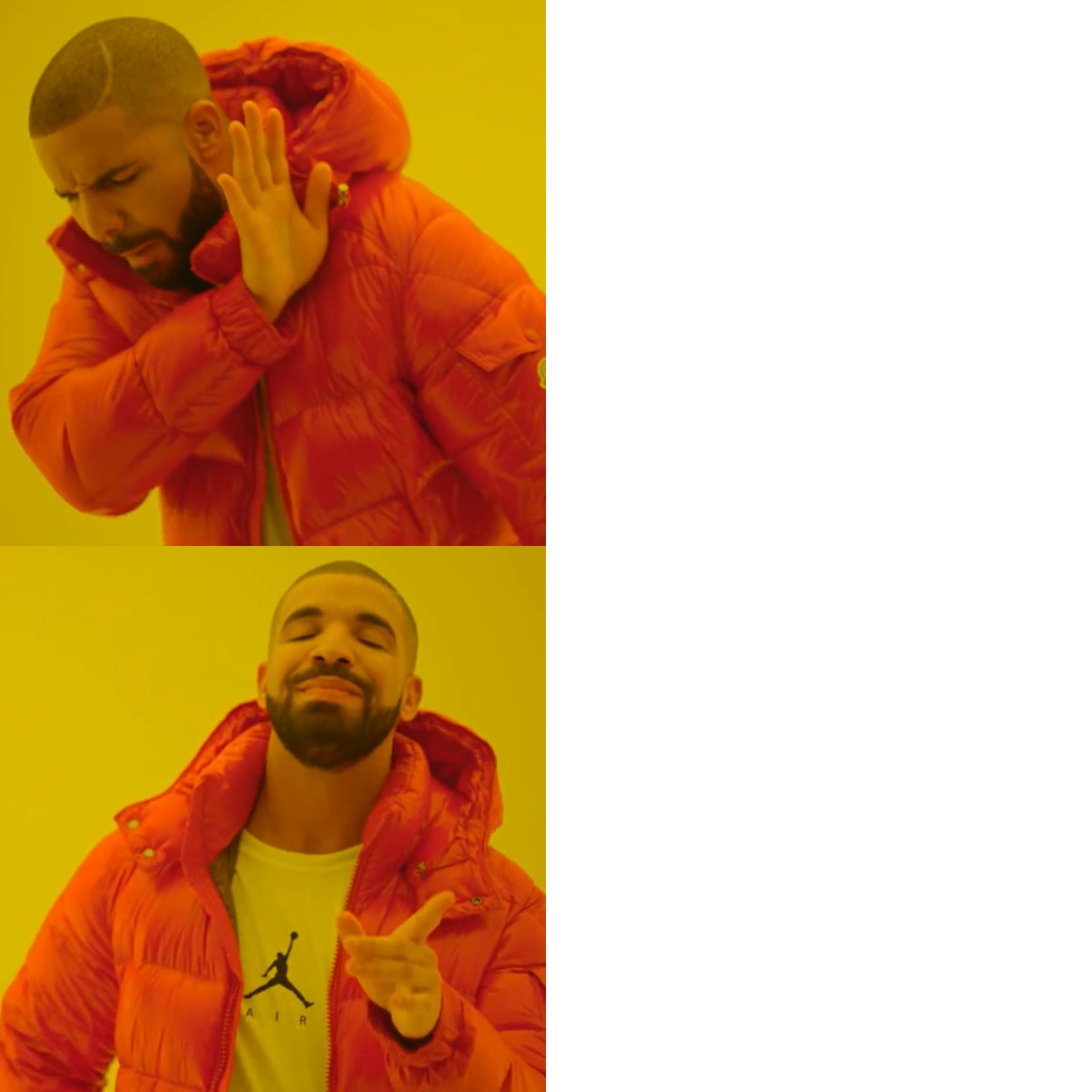
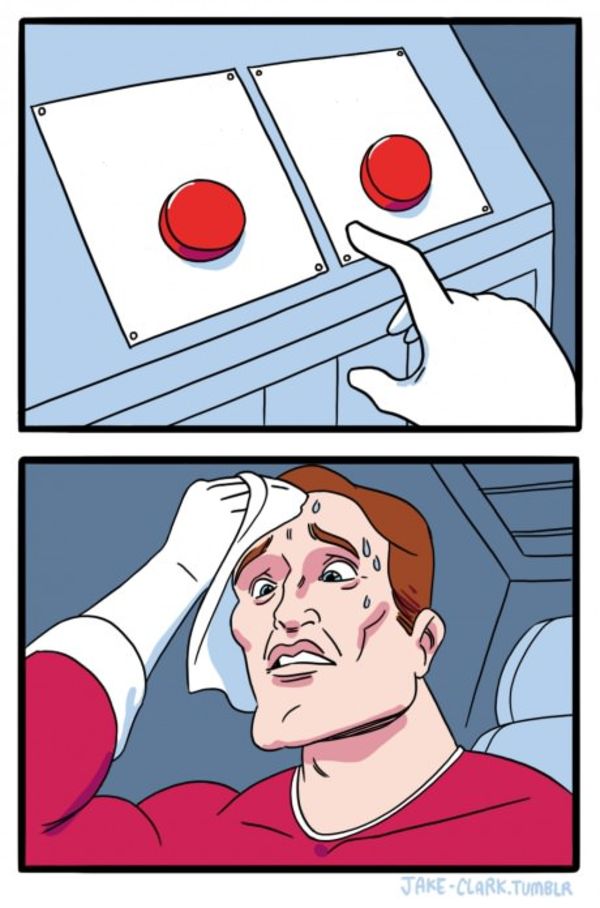
Live Preview
How This Meme Generator Works
The CalculatorKits Meme Generator utilizes the native HTML5 <canvas> element to composite imagery entirely within your web browser. When you select a template or upload an image, it is painted onto the canvas background.
As you type in the text fields, JavaScript dynamically calculates text positioning and applies the classic meme typography (thick white fill with a heavy black outline/stroke). Because this happens locally, the rendering is instantaneous and entirely private.
Best Practices for Viral Memes
Use the Right Font
The undisputed king of meme fonts is Impact in all-caps. It is bold, condensed, and highly readable even on small mobile screens.
Keep it Brief
The best memes are immediately digestible. If your text covers the entire image, the joke will be lost. Use short, punchy setups on top and unexpected punchlines on the bottom.
Context is Key
Ensure the facial expression or scenario in the image matches the tone of your text. A misaligned template will confuse the audience rather than make them laugh.
Trust & Data Privacy
Your custom images and jokes are completely private. All image compositing and text rendering happens instantly via JavaScript inside your local browser memory. We never log, track, or save the images you upload or the text you type into this tool.
Frequently Asked Questions
© 2026 CalculatorKits. All image processing performed locally.
Meme Generator: Create Funny Memes Online Free
Memes are one of the easiest ways to turn an idea, reaction, or inside joke into something people can understand in seconds. You do not need advanced image editing skills to make one. With the right Meme Generator, you can choose an image, add a short caption, adjust the text, preview the result, and download the finished meme.
The CalculatorKits Meme Generator is designed for exactly this kind of quick creation. You can choose a template or upload your own image, add top and bottom text, adjust the font size and style, preview the meme, and download it without a watermark. The tool works directly in your browser, so there is no software installation or account creation required.
Open the Meme Generator
What Is a Meme Generator?
A Meme Generator is an online tool that helps you create a meme by combining an image with custom text.
Instead of opening a full image editing application and manually creating text boxes, positioning captions, choosing fonts, and exporting the image, a meme generator puts the most useful controls in one place.
The CalculatorKits tool supports two main starting points:
- Choose an available meme template.
- Upload your own image.
You can then enter text for the top and bottom sections, adjust the font settings, view the result in real time, and download the finished meme.
This simple workflow makes the tool useful when you want to create something quickly rather than build a complicated graphic from scratch.
Why Use a Meme Generator?
Creating a meme manually can take longer than expected.
You might need to find an image, open an editor, resize it, add text, select a suitable font, position everything correctly, and export the final file.
A Meme Generator removes most of those unnecessary steps.
You can start with the image, write the joke, make a few adjustments, and download the result.
It is especially useful for:
- Social media posts
- Reaction images
- Group chats
- Personal jokes
- Student presentations
- Community posts
- Content creation
- Light marketing content
- Funny messages for friends
The CalculatorKits version focuses on simplicity rather than trying to become a complete graphic design platform.
What Makes the CalculatorKits Meme Generator Different?
Large design platforms such as Canva and Adobe Express offer extensive template libraries, image assets, multiple design controls, and support for more advanced social content. Canva, for example, supports templates, uploaded images, GIFs, videos, multiple text boxes, and several export formats. Adobe Express also combines meme templates with broader design and media features.
Imgflip takes another approach, with a large template collection and additional editing features such as images, drawings, spacing, and AI generated meme text.
CalculatorKits is more focused.
Its main advantage is a straightforward browser workflow for someone who simply wants to make a meme without learning a larger design application.
The tool provides:
- Template selection
- Custom image upload
- Top text
- Bottom text
- Font size control
- Font style control
- Live preview
- Download option
- No signup
- No watermark
- Local browser processing
That makes it a practical choice for quick, simple meme creation.
How to Use the Meme Generator
The current interface is simple enough for beginners.
1. Open the Meme Generator
Open the CalculatorKits Meme Generator.
You will see the meme controls and a preview area.
2. Choose a Template
Under Choose a Template, select one of the available templates.
A template is useful when you already know the type of meme you want to make.
If you already have the perfect image, you can skip the template and use the custom image option instead.
3. Upload Your Own Image
Select Upload Custom Image when you want to use an image from your device.
This is useful for personal photos, screenshots, reaction images, or other images you have permission to use.
4. Add Top Text
Enter your caption in the Top Text field.
Traditional meme layouts often use the top section for the setup or situation.
For example:
When you finally finish the project
Keep the wording short enough to remain easy to read.
5. Add Bottom Text
Enter your punchline or second part of the message in the Bottom Text field.
For example:
And realize you forgot to save it
The contrast between the setup and punchline is often what makes a simple meme work.
6. Adjust the Font
Use the Font Size and Font Style controls to change the appearance of your text.
The current tool uses classic meme typography by default, with bold white text and a dark outline.
7. Check the Live Preview
Look at the Live Preview before downloading.
Check whether:
- The text is readable
- The joke makes sense
- The text fits inside the image
- Important parts of the image are not covered
- The top and bottom captions are balanced
8. Download Your Meme
When you are happy with the result, select Download Meme.
The tool creates the meme as an image directly in your browser.
How This Meme Generator Creates the Image
The technical process is simpler than using a full image editing application.
CalculatorKits states that the tool uses the native HTML5 canvas element to combine the selected image and text inside the browser.
When you select a template or upload an image, it becomes the canvas background. JavaScript then positions your text and applies the selected typography.
Because the rendering takes place locally in the browser, the tool can update the preview as you change the text.
The basic workflow is:
Choose or upload image → Add captions → Apply text styling → Render preview → Download image
You do not need to manually combine separate image and text files.
How to Write Better Meme Text
The image gets attention, but the caption delivers the joke.
One of the most common mistakes is writing too much.
A meme is usually easier to understand when the viewer can read the message quickly.
Keep the Setup Short
Instead of:
When you have been working on an assignment for three hours and finally decide that you are finished
Try:
When you finally finish the assignment
The shorter version gives the image more room to communicate the joke.
Make the Punchline Clear
The bottom caption should add something to the setup rather than simply repeating it.
A good reaction image can do a lot of the storytelling for you.
Match the Image to the Message
A confused face works well for confusion.
A shocked reaction works well for an unexpected result.
A celebration image works well for success.
The better the image matches the situation, the less text you need.
Best Font for a Meme
Classic memes often use bold, high contrast typography.
CalculatorKits currently uses a classic Impact style with white text and a heavy dark outline as its default meme styling.
The reason this style works is simple.
It remains readable against different parts of an image.
However, the exact font is less important than readability. If your audience cannot read the caption quickly, the font choice is working against the meme.
How to Make a Meme That Is Easy to Read
Before downloading, look at the meme at the size at which people are likely to see it.
This matters particularly on mobile screens.
Try these simple checks:
- Use short sentences.
- Avoid unnecessary words.
- Keep strong contrast between text and background.
- Do not cover the most important part of the image.
- Use a font size that remains readable.
- Read the meme once from the viewer’s perspective.
If you need several seconds to understand what the meme is saying, simplify it.
Free Meme Generator vs Full Design Platforms
A free meme generator is usually best when speed matters more than advanced design control.
Platforms such as Canva and Adobe Express provide broader creative systems. Canva supports extensive templates and media options, while Adobe Express offers templates, design assets, fonts, and additional export options.
Those tools are useful when you are designing an entire social campaign or need detailed visual control.
CalculatorKits takes a narrower approach.
If your goal is simply:
Find image → Add joke → Preview → Download
a focused tool can be easier.
When to Use Your Own Image
Uploading your own image is useful when a template does not fit your idea.
You might use:
- A personal reaction photo
- A picture from a trip
- A funny pet photo
- A screenshot
- An original illustration
- A photograph you created yourself
Using your own material can also make a meme feel more personal.
However, make sure you have the right to use an image before publishing it publicly.
Meme Ideas You Can Try
You do not always need a complicated joke.
Here are some simple formats.
Work Meme
Top: Me finishing my tasks early
Bottom: My manager: Can you take one more?
Student Meme
Top: I will start studying tomorrow
Bottom: Tomorrow arrives
Technology Meme
Top: Everything works perfectly
Bottom: One tiny update later
Weekend Meme
Top: Friday evening
Bottom: Monday morning is already loading
Personal Meme
Use a photo of yourself or a friend and add a situation that your group will immediately recognize.
Inside jokes can make particularly effective memes because the audience already understands the context.
Meme Generator for Social Media
Memes can work well as lightweight social content because they communicate an idea quickly.
But different platforms have different audiences.
A joke that works perfectly in a private group chat might not make sense to someone who has never seen the original context.
Before publishing, ask:
Will my audience understand the reference?
Is the text readable on a phone?
Does the image fit the platform?
Could the joke be misunderstood without additional context?
A simple meme can be effective, but relevance matters more than trying to make every image look viral.
Privacy and Local Processing
CalculatorKits states that meme images and text are processed locally in the browser. The page says uploaded images are not stored, tracked, or shared and that the tool does not require registration.
This can be useful when you are working with personal photos.
Still, privacy claims should not be confused with image ownership.
Local processing does not automatically give you permission to use somebody else’s photograph, movie still, artwork, or branded image.
Privacy and copyright are separate questions.
Be Careful With Images You Did Not Create
A meme may be funny, but the image behind it can still belong to someone else.
Before using an image publicly, consider where it came from and whether you have permission or an appropriate license.
This is particularly important for commercial content.
For personal experimentation, you may be comfortable using an image privately. Public or commercial publication is a different situation and can involve copyright, trademark, privacy, or publicity concerns depending on the material and location.
When in doubt, use an image you created yourself or one that you are licensed to use.
Common Meme Making Mistakes
Too Much Text
A paragraph is usually not a meme caption.
Cut unnecessary words.
Tiny Text
A clever joke is useless if nobody can read it.
Wrong Image
The expression or situation should support the caption.
Explaining the Joke
If the meme needs a long explanation underneath, the visual message may need another look.
Copying Trends Too Closely
Using a familiar format is normal, but adding your own perspective makes the result more interesting.
Ignoring the Audience
Humor depends heavily on context.
A meme for programmers will not necessarily work for a general audience.
Related Tools for Creative Projects
If you want to create your own visual material before turning it into a meme, the Drawing App can help you sketch a simple idea and save it as a PNG.
If your meme needs a fictional character or made up person, the Random Name Generator can provide quick name ideas.
For a completely different type of playful content, you can also try the Love Calculator.
Frequently Asked Questions
Is the Meme Generator free?
Yes. CalculatorKits states that its Meme Generator is free to use and does not require signup or payment.
Can I upload my own image?
Yes. The current tool includes an Upload Custom Image option.
Can I use a meme template?
Yes. You can select a template or upload your own image.
Does the tool add a watermark?
No. CalculatorKits states that downloaded memes do not contain its logo, URL, or watermark.
Can I use the Meme Generator on my phone?
Yes. The tool page states that its interface and canvas rendering work across mobile, tablet, and desktop browsers.
Are uploaded images stored?
CalculatorKits states that image processing happens locally in the browser and that uploaded images are not stored.
Why is my text cut off?
Long captions can exceed the available canvas width. Try reducing the font size or splitting the message between the top and bottom text fields.
What font should I use for memes?
Bold, readable fonts work well. The CalculatorKits tool uses classic Impact style typography as its default meme styling.
Can I use any image I find online?
Not necessarily. You should make sure you have the appropriate rights or permission to use an image, especially if you plan to publish or use the meme commercially.
Is a Meme Generator better than Canva or Adobe Express?
It depends on what you need. Canva and Adobe Express provide much broader design features, templates, and media options. A focused meme generator can be more convenient when you only want to create a simple captioned image quickly.
Final Thoughts
A good meme does not need complicated editing.
Usually, the hardest part is not creating the image. It is finding the right combination of image, timing, context, and words.
The CalculatorKits Meme Generator keeps the technical side simple. You can choose a template or upload an image, add top and bottom text, adjust the typography, check the live preview, and download the finished meme.
That makes it useful for quick personal jokes, social posts, presentations, content ideas, and everyday creative projects.
The best approach is to keep your caption short, choose an image that already communicates something, and make sure the joke can be understood quickly.
And perhaps most importantly, do not overthink it.
Sometimes the funniest meme is the one you make in thirty seconds because the idea was already there.
Key Takeaways
- A Meme Generator makes it easy to combine an image with custom text.
- CalculatorKits lets you choose a template or upload your own image.
- You can add separate top and bottom captions.
- Font size and font style can be adjusted before downloading.
- The live preview helps you check the final layout.
- CalculatorKits states that memes can be downloaded without watermarks.
- The tool processes meme creation locally in the browser according to its current page.
- Short, readable captions usually work better than long explanations.
- Always consider image usage rights before publishing a meme.
- A simple, relevant joke is often more effective than an overdesigned meme.
Reference Links
- Canva Meme Generator
- Adobe Express Meme Generator
- Imgflip Meme Generator
- Best Meme Generators Compared in 2026
Written and reviewed by the CalculatorKits Editorial Team
Last Updated: September 9, 2026